My role: Senior product designer
Team: me (product designer), additional product designer, product manager, CX researcher, UX researcher, web developer, iOS developer, Smart TV developer, backend developer, product analyst, 2 QA engineers.
Platforms: Web, iOS, Smart TV
Time from idea to production: 9 months
Scale: 80 user flows per platform, 1773 screens
The context
Okko is an over-the-top video streaming platform with 2.2M paying customers. It has a 14% share of the Russia market (which counts around 20 streaming platforms). Okko is a part of Sber, the largest IT company in Russia and the 51st largest in the world. Around 30% of user accounts in Okko have views by children. On average, there are 2 children in a user’s family. 90% of parents say they want to control the purchases their children make on the platform. 6% of parents allow their children to view 12+ content without being nearby.
The issues that the project set out to solve
- If there is more than one person using an account, the recommendation engine suggestions become less effective (revealed by qualitative studies, user reviews).
- Less effective recommendations result in an increase in content selection time (revealed by product analytics).
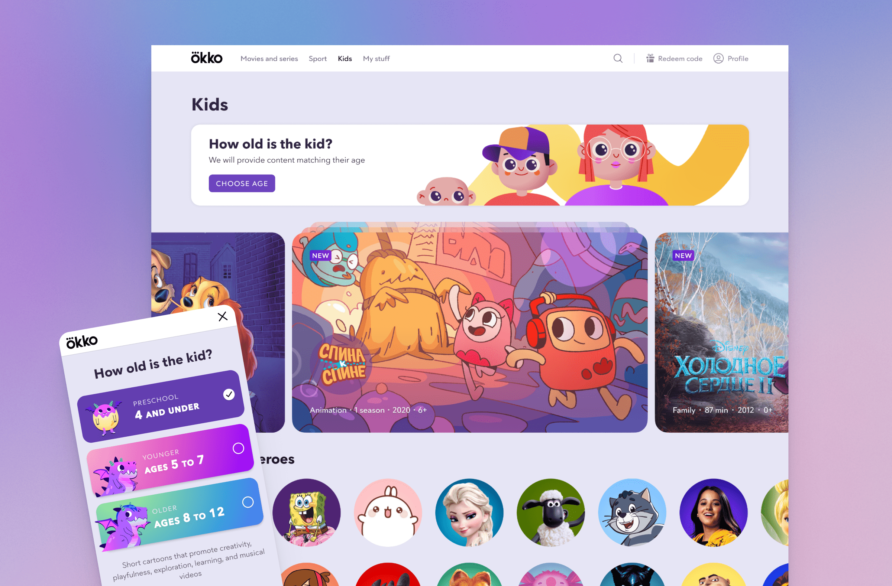
- Younger children can see 16+ and 18+ content by clicking a link on the menu and getting outside the kids section (revealed by qualitative studies, user reviews, and recent legal regulations).
- A kid can easily make a purchase without asking an adult (revealed by qualitative studies, user reviews, call center load).
- Some competing platforms already have multi user profile functionality, and users report it to be an advantage (revealed by qualitative studies, user reviews).
The hypothesis
Introducing an opportunity to easily break a user account into multiple profiles would allow to serve more accurate recommendations, and, in turn, decrease content selection time. As for the kids content, multiple user profiles would allow to serve content that better suits a particular age group. Preventing children to easily leave the kids section and navigate to the main section would allow to bring peace to parents and comply with legal regulations.
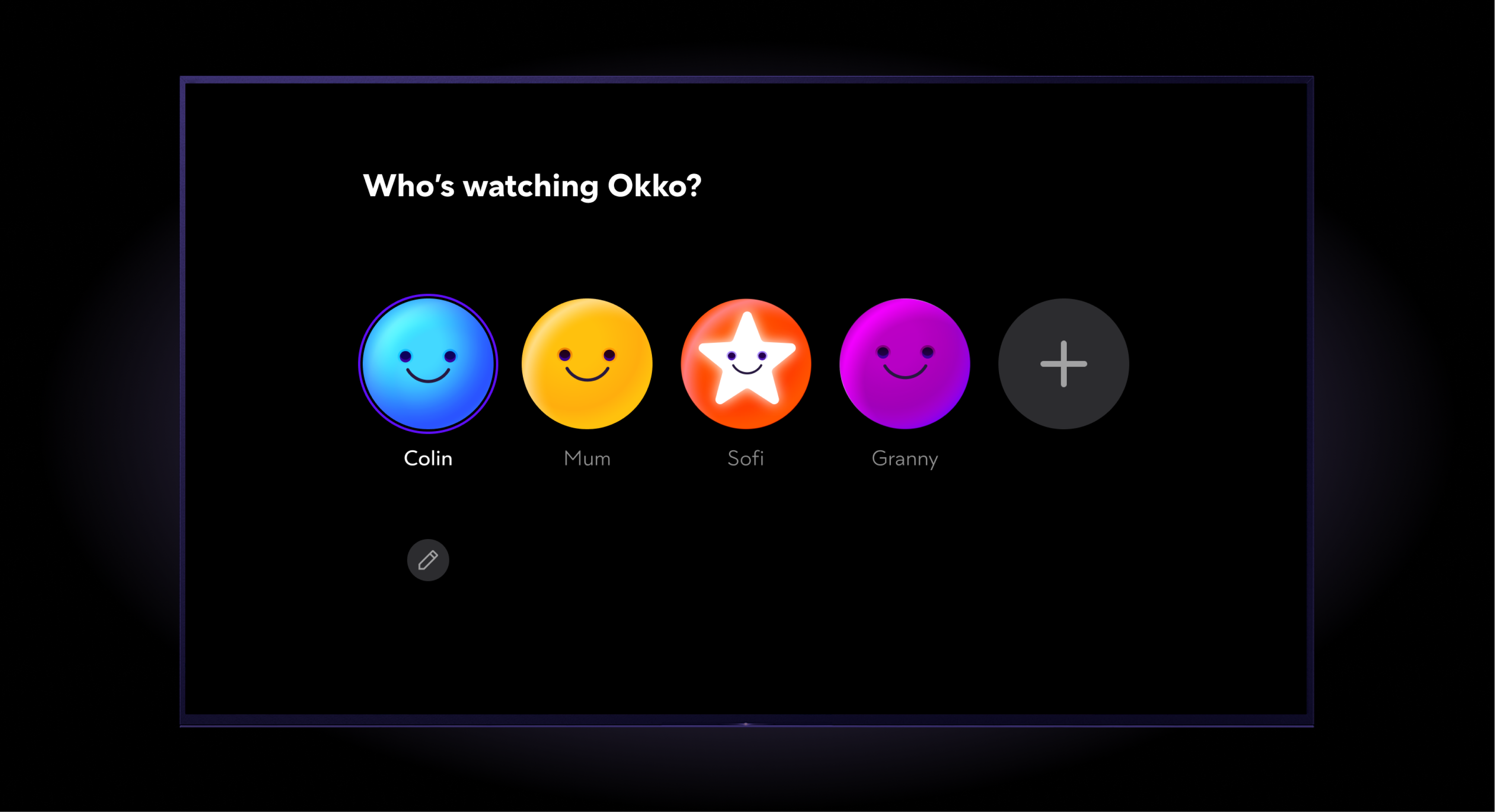
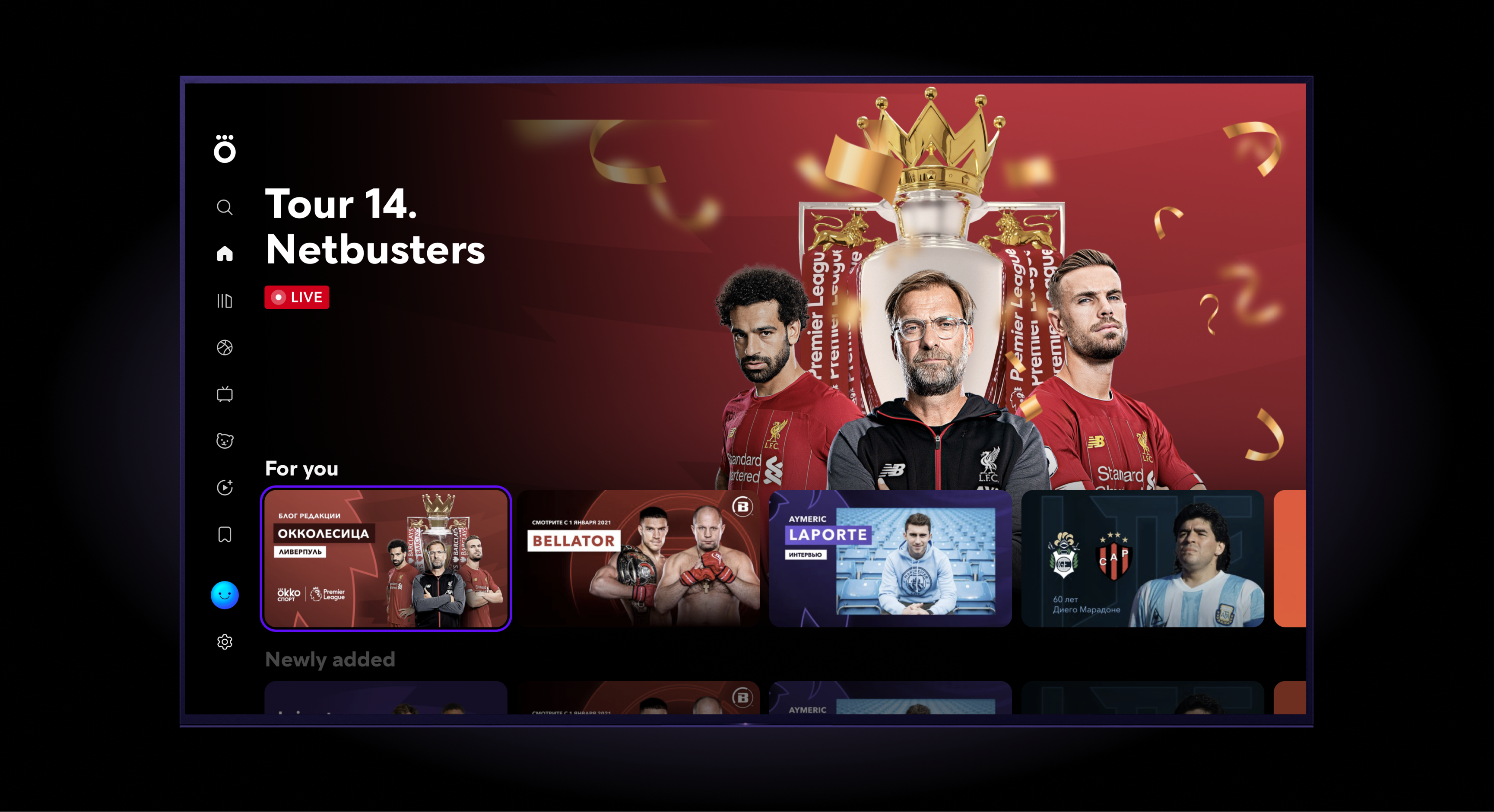
Profile selection (TV). You can also create a new profile here by pressing the “+”, as well as edit or delete an existing profile.
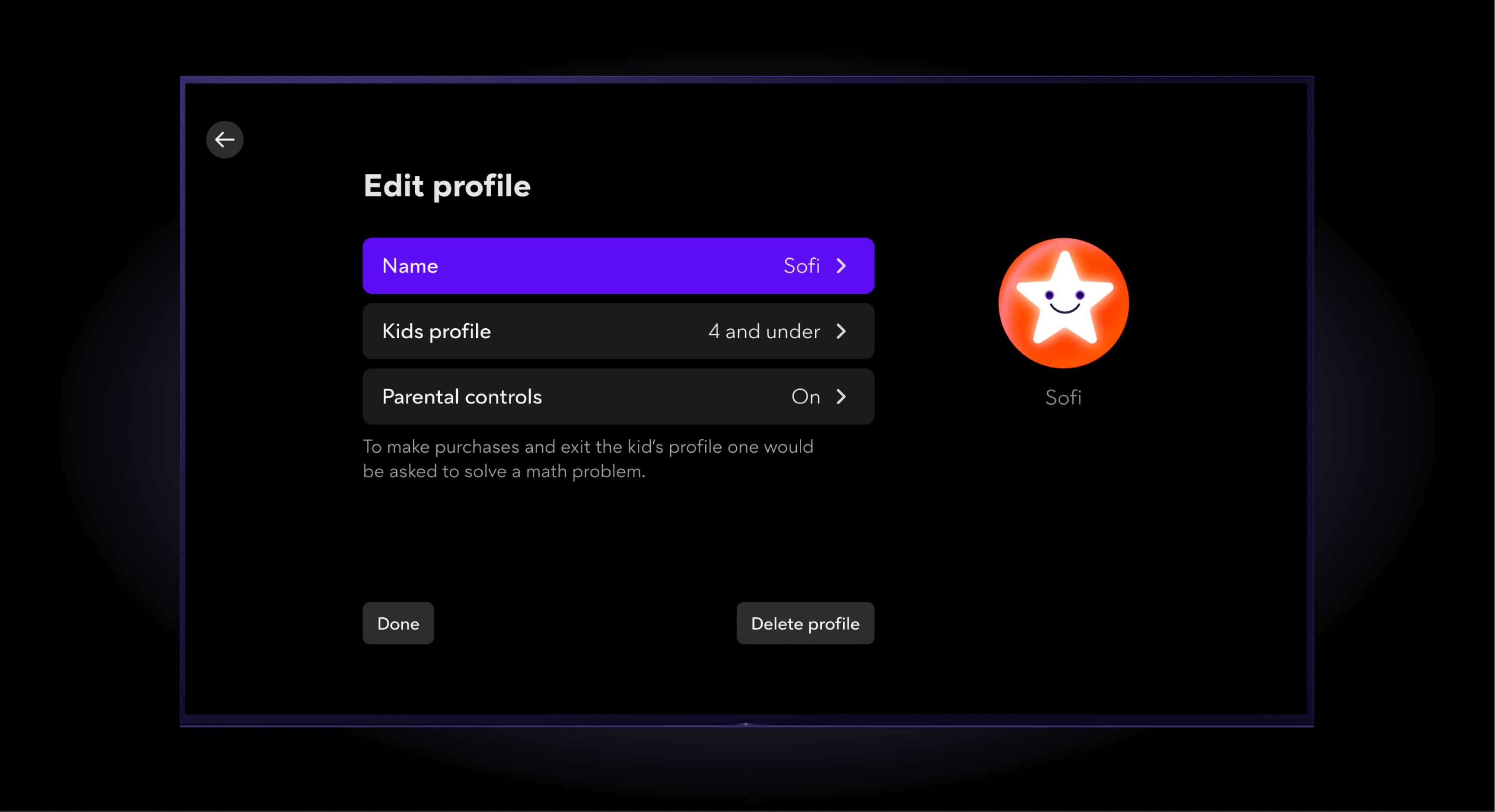
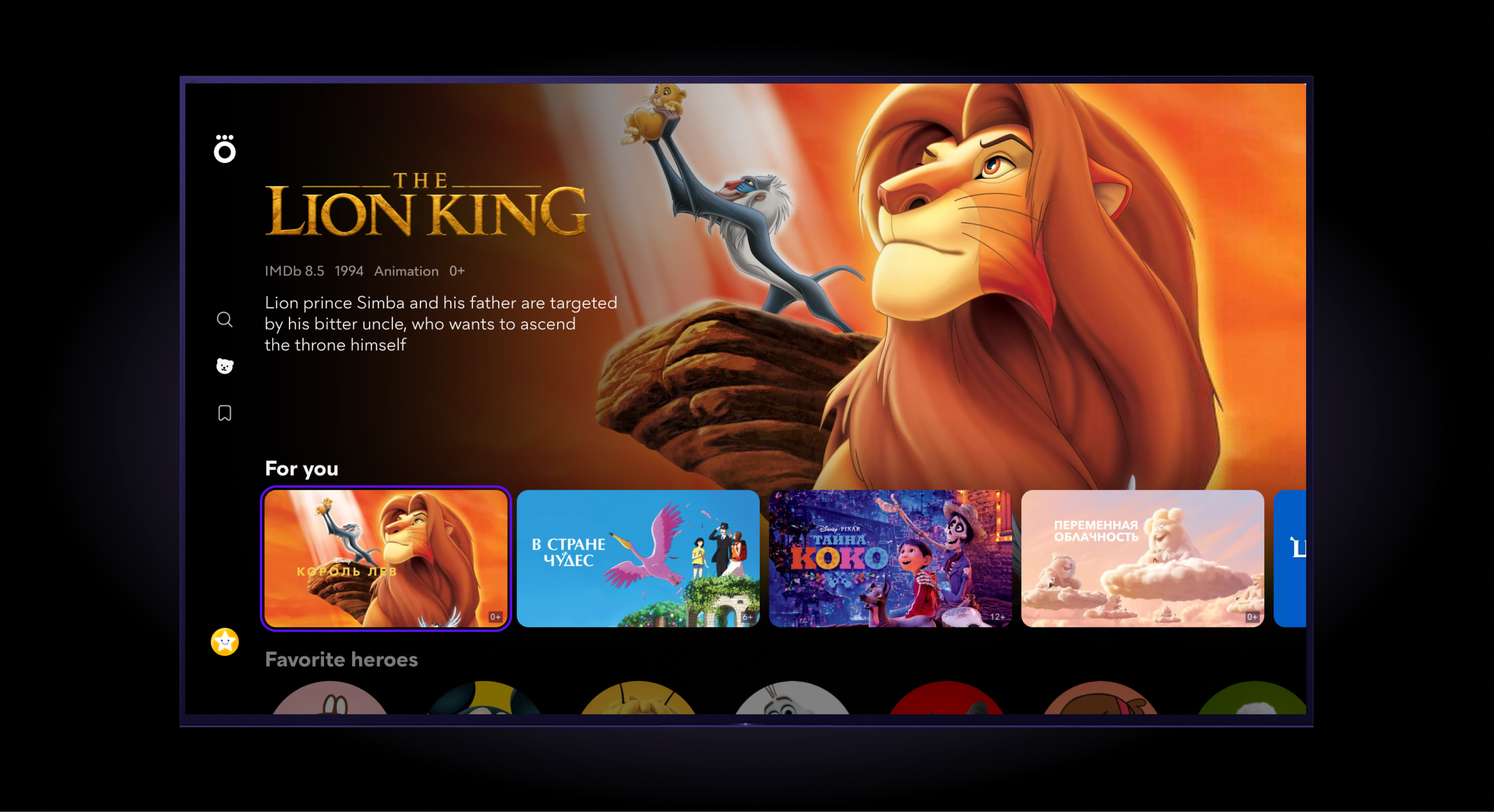
Editing a kid’s profile (TV). You can change their name, change the age group, toggle parental control, or delete the profile.
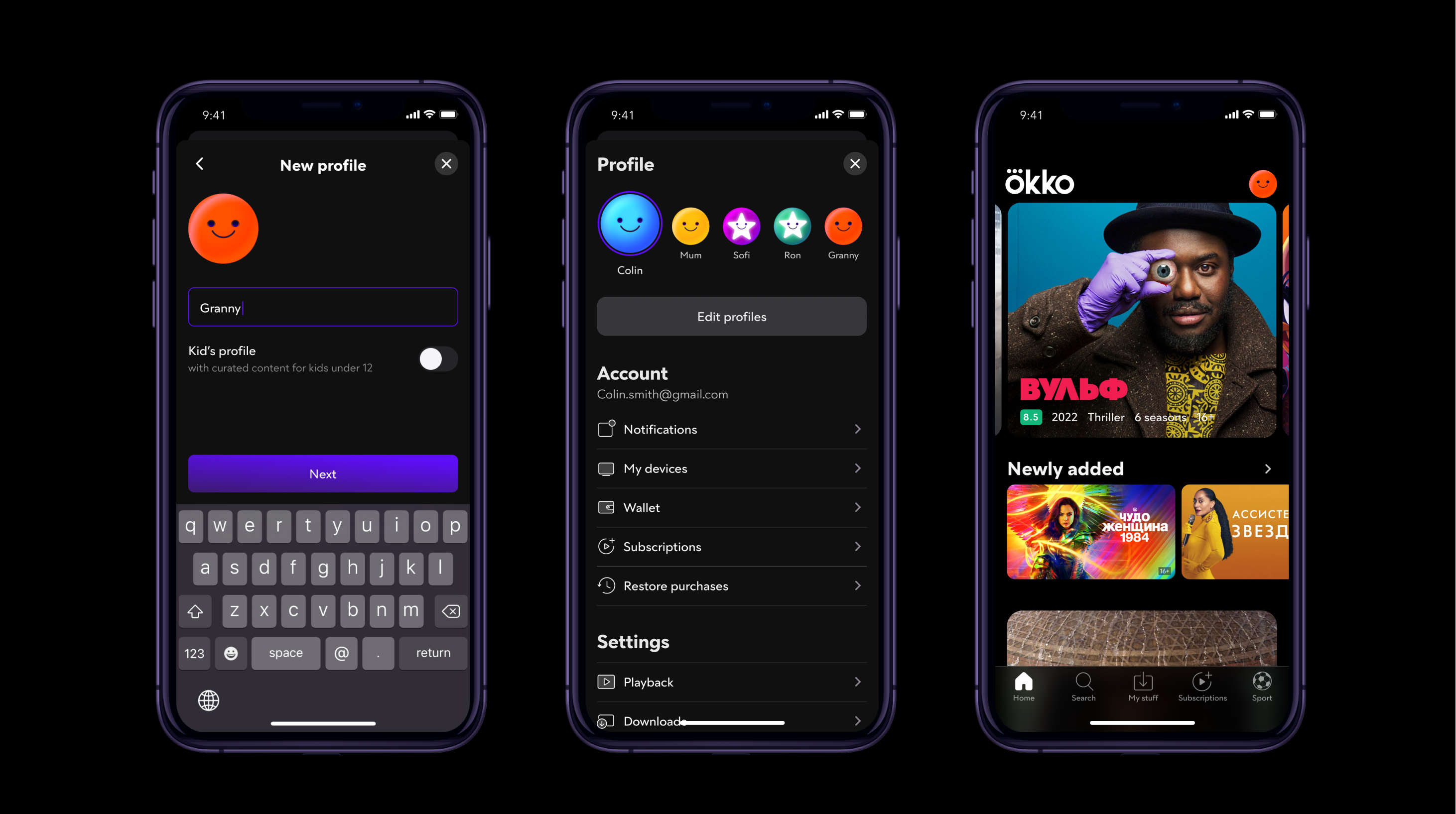
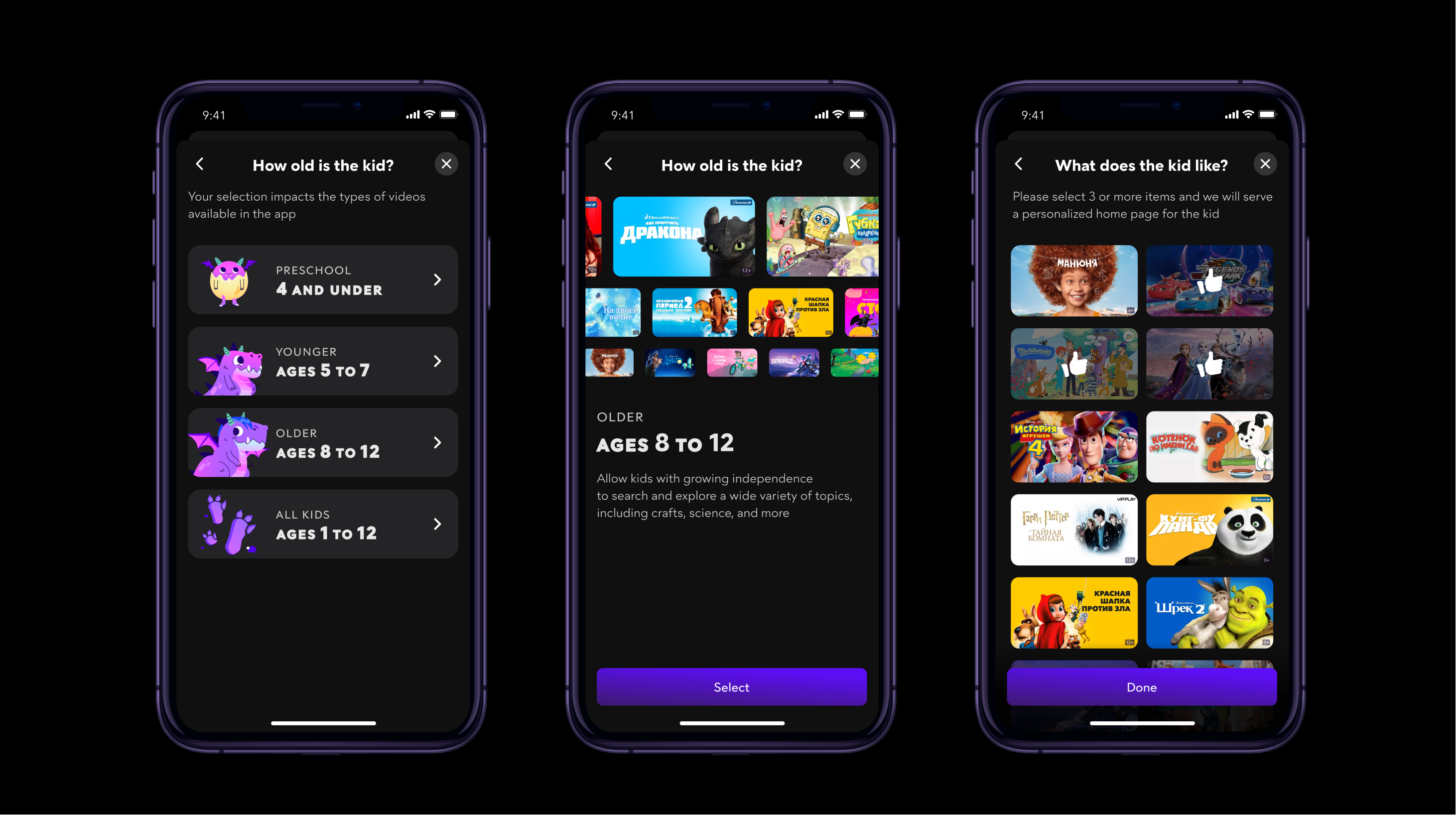
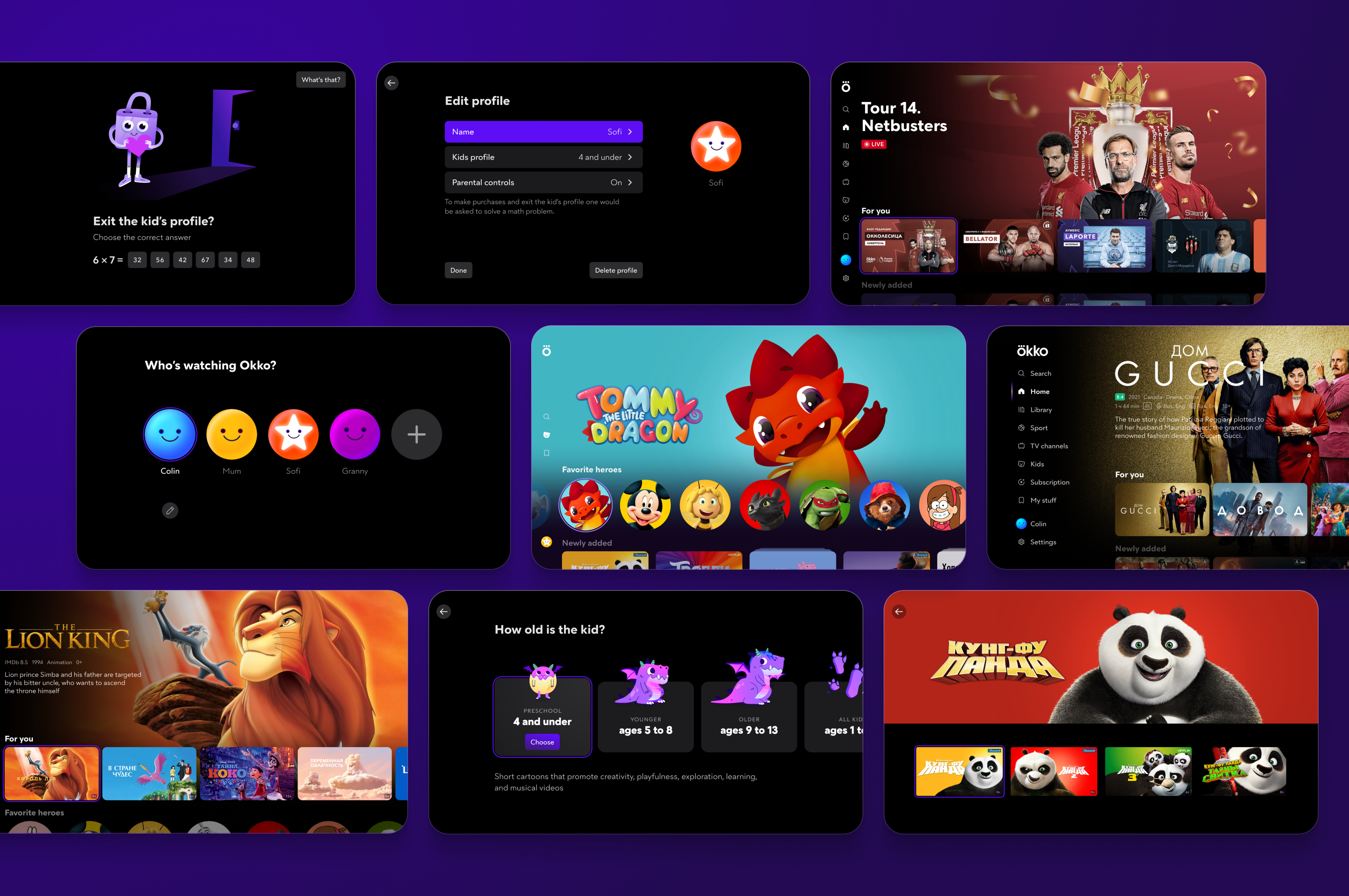
Views shown when creating a kid’s profile (iOS). From left to right: 1.First step of age selection. Selecting an actual category. 2. Second step of age selection. Content examples and a brief description. 3. Specifying a child’s tastes, which allows the platform to tailor the main page to them.
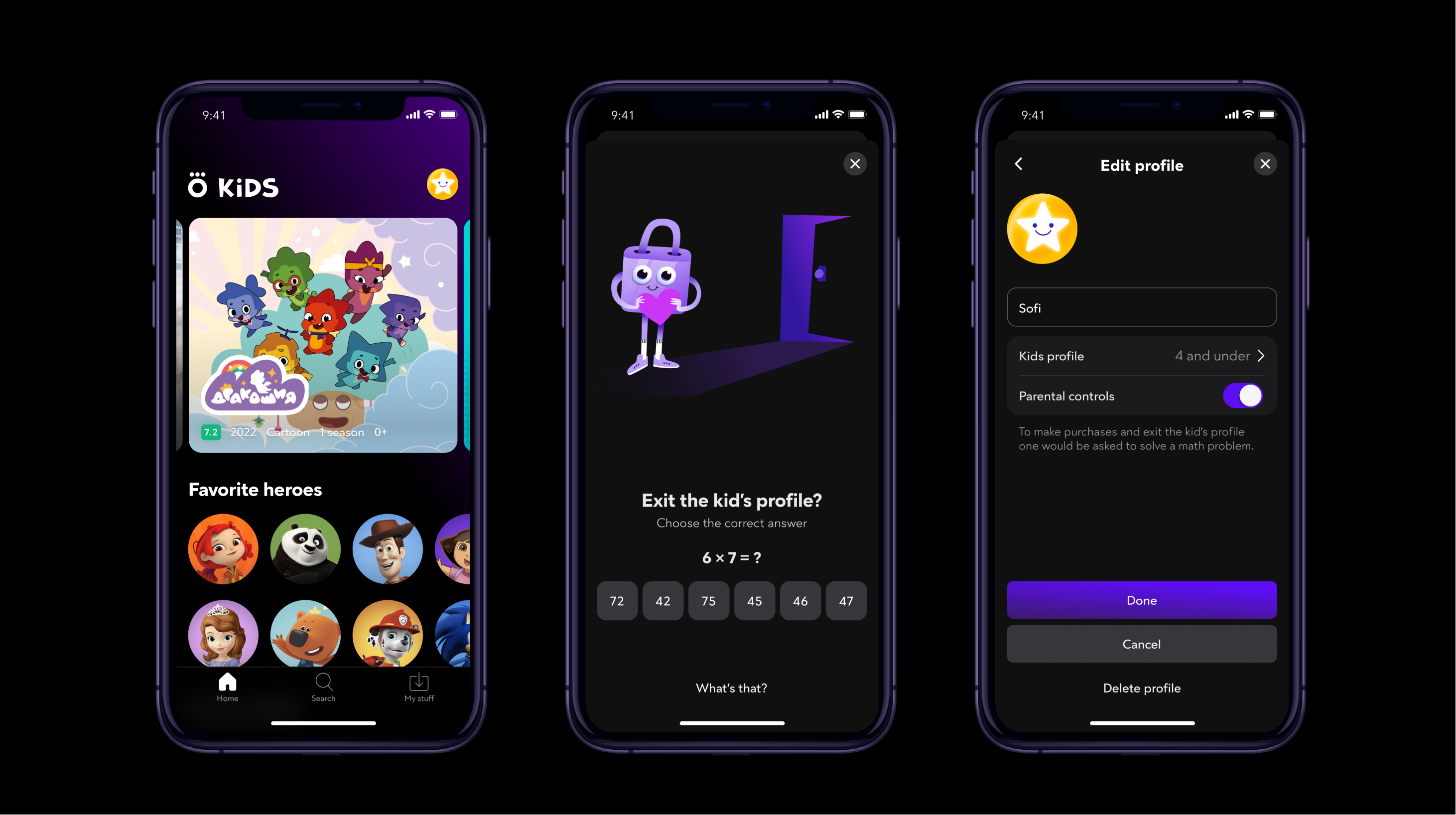
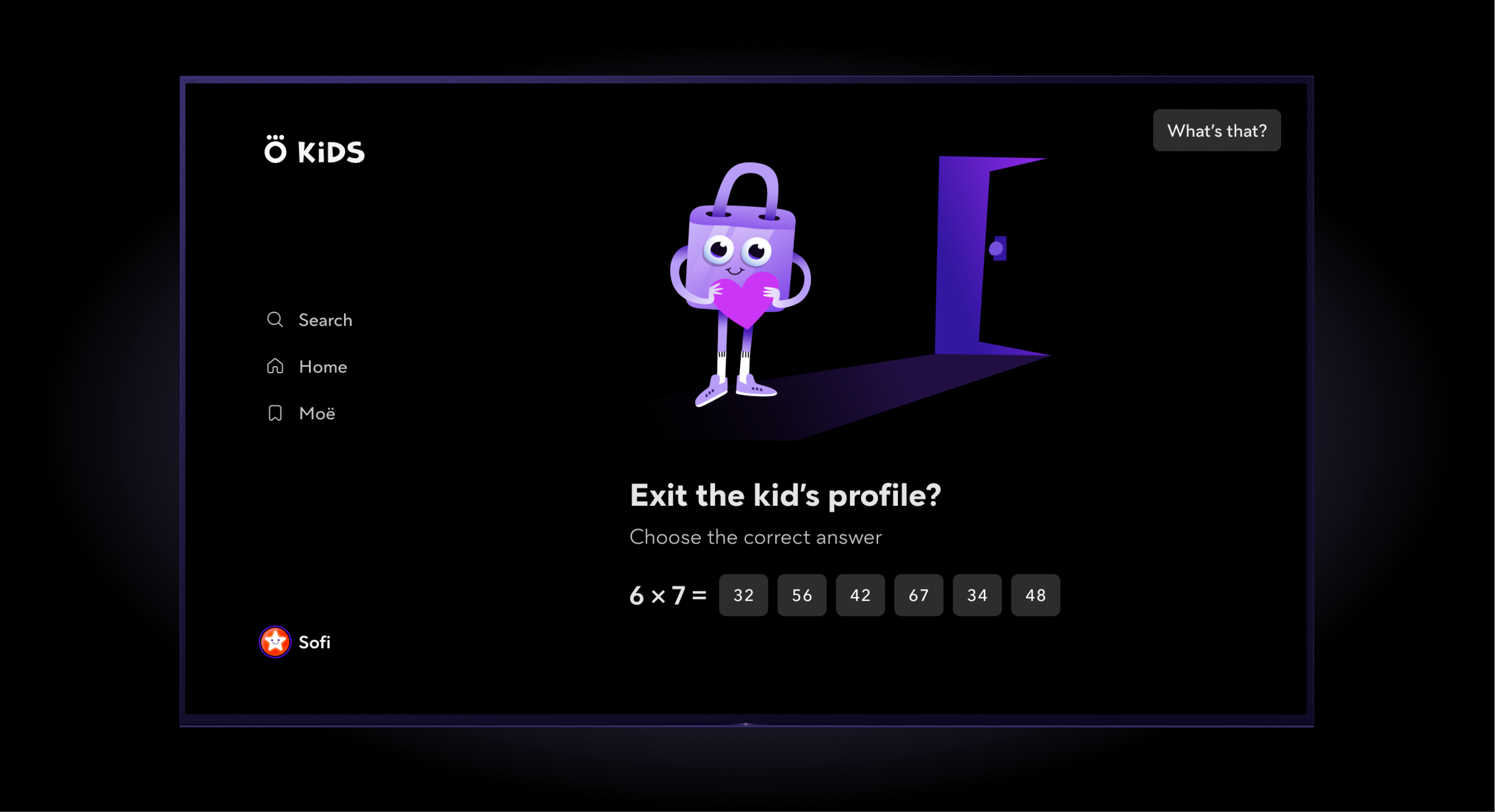
Exiting a kid’s profile on TV. A math problem needs to be solved before a list of all profiles can be accessed. In the same situation an adult would see the list of all profiles right away.
What I have done
- A number of studies have been carried out throughout the course of the project:
1. A quantitative study to find out the share of families in the audience, the median number of children in a family, the frequency and the context of content watching by children.
2. Metrics analysis with Splunk indicating the number of views by children vs. by adults, the type of content children watch, view duration, etc.
3. A qualitative study on the necessity of multiple user profiles, on the competitors’ implementations, and on how users engage with multiple profiles in third-party services.
4. 2 qualitative studies looking into various ways to realize multiple user profiles.
5. A qualitative study on ways to protect children profiles from content targeted to adults. - An ability to create multiple adult and child user profiles in a user account.
- Profile editing and deletion functionality.
- Child profile protection.
- A number of elements have been adapted following child UX best practices (header, footer, font sizes, movie card, collection card, etc.)
What has been achieved
Content selection time (the interval between opening the app and starting watching) has decreased by 15%.
The average watch time has increased by 12%.
Call center inquiries with complaints of children having bought something by mistake has shrunk.